> ## Documentation Index
> Fetch the complete documentation index at: https://docs.nexus-md.com/llms.txt
> Use this file to discover all available pages before exploring further.
# Login into Nexus-MD'c Cloud
### **Accessing Your Nexus-MD Cloud Account**
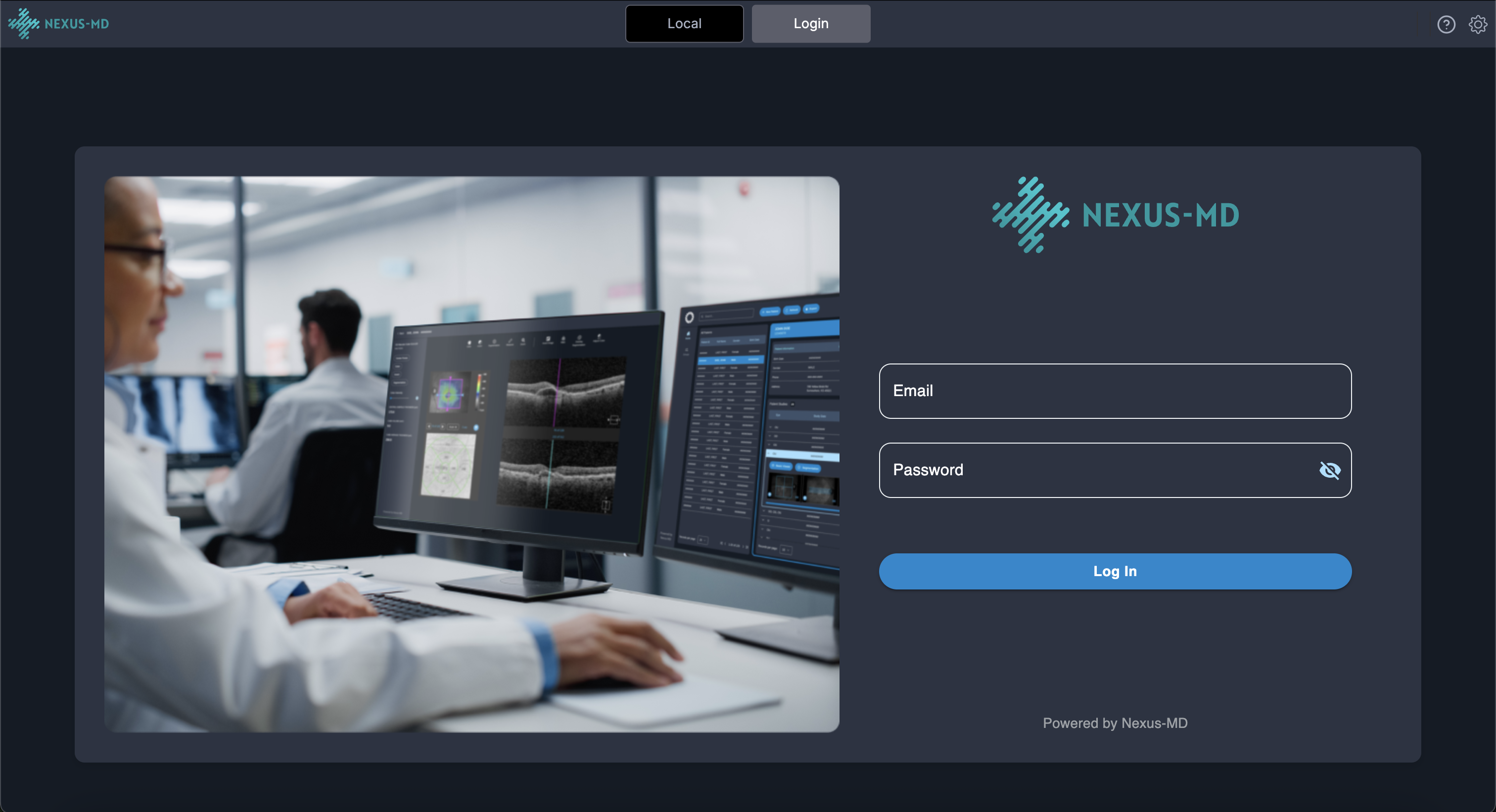
The standalone viewer allows you to connect to your **Nexus-MD cloud account** to upload, download, and view medical images.
1. **Click the Login button** located in the header.
 2. **Enter your Nexus-MD account credentials** when prompted.
 3. After a successful login, you will see at least **four worklist tabs** in the header:
 * Your **practice worklist**
* Your **personal cloud worklist**
* A **research worklist** containing studies with all Patient Health Information (PHI) removed
* Additional tabs depending on your user permissions or enabled features
The research worklist is available for users who choose to utilize Nexus-MD’s de-identified data features.
* Your **practice worklist**
* Your **personal cloud worklist**
* A **research worklist** containing studies with all Patient Health Information (PHI) removed
* Additional tabs depending on your user permissions or enabled features
The research worklist is available for users who choose to utilize Nexus-MD’s de-identified data features.