
Accessing Your Nexus-MD Cloud Account
The standalone viewer allows you to connect to your Nexus-MD cloud account to upload, download, and view medical images.-
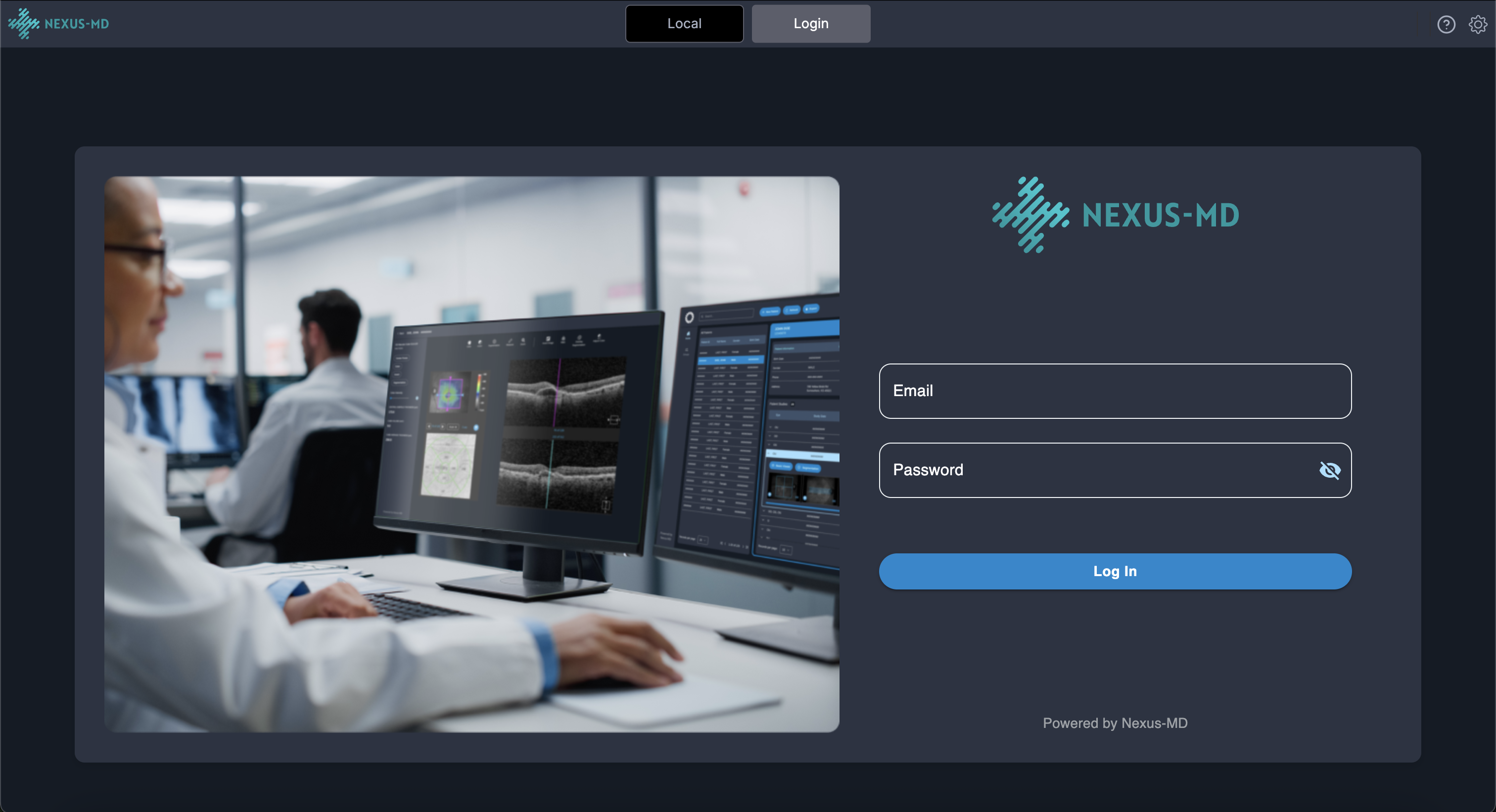
Click the Login button located in the header.

-
Enter your Nexus-MD account credentials when prompted.
-
After a successful login, you will see at least four worklist tabs in the header:

- Your practice worklist
- Your personal cloud worklist
- A research worklist containing studies with all Patient Health Information (PHI) removed
- Additional tabs depending on your user permissions or enabled features