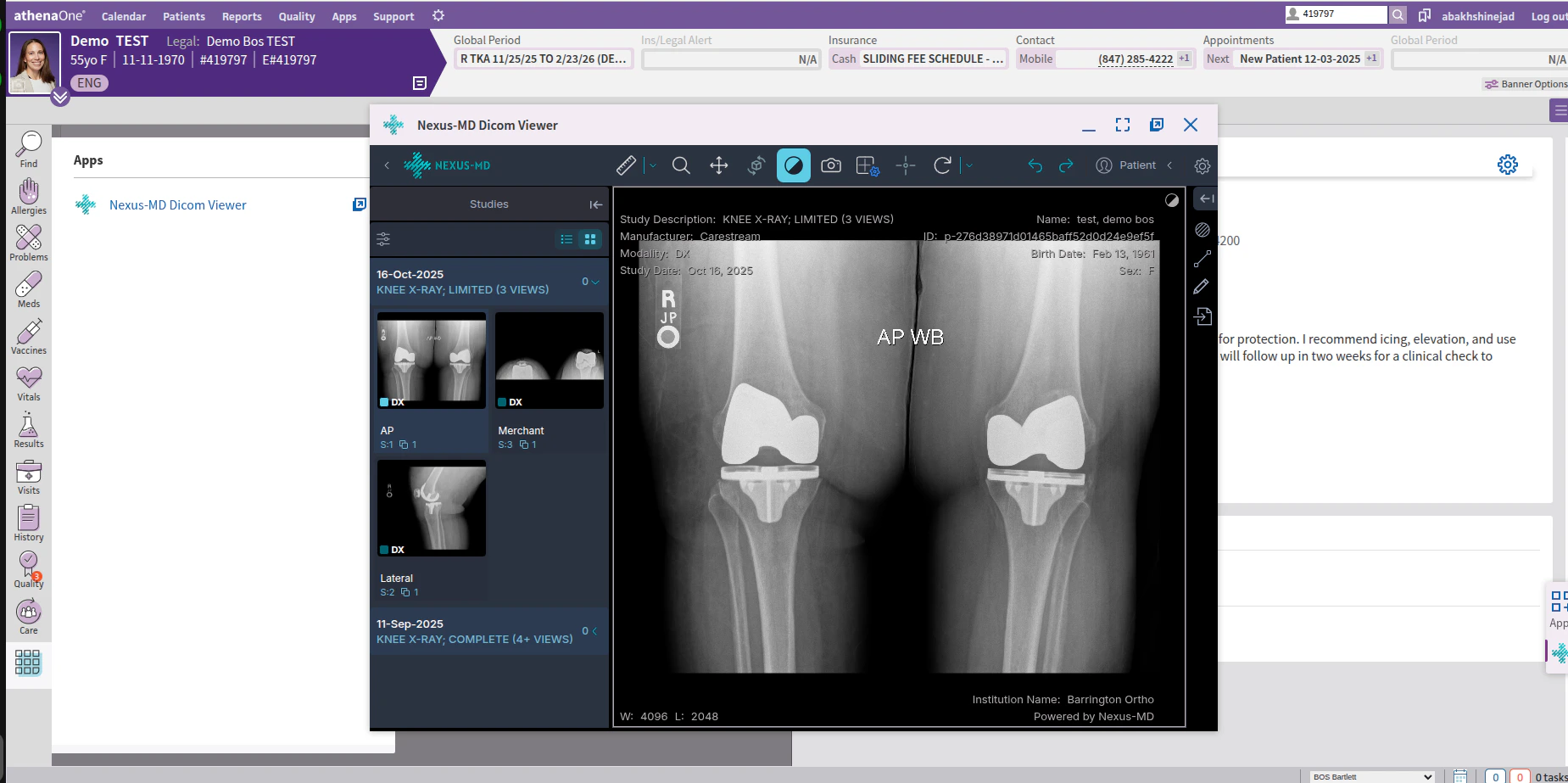
-
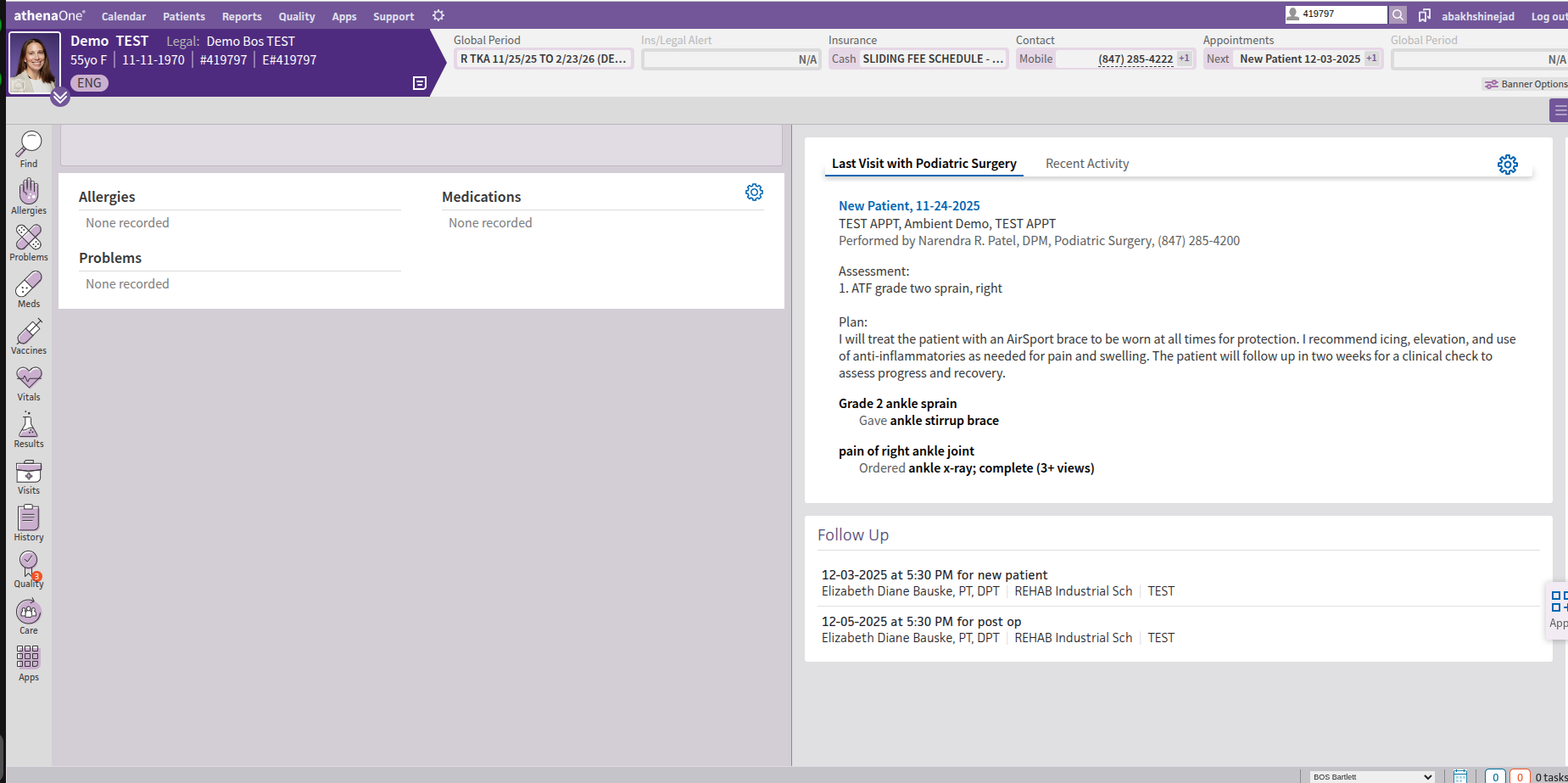
Find patient chart in athena and open the chart
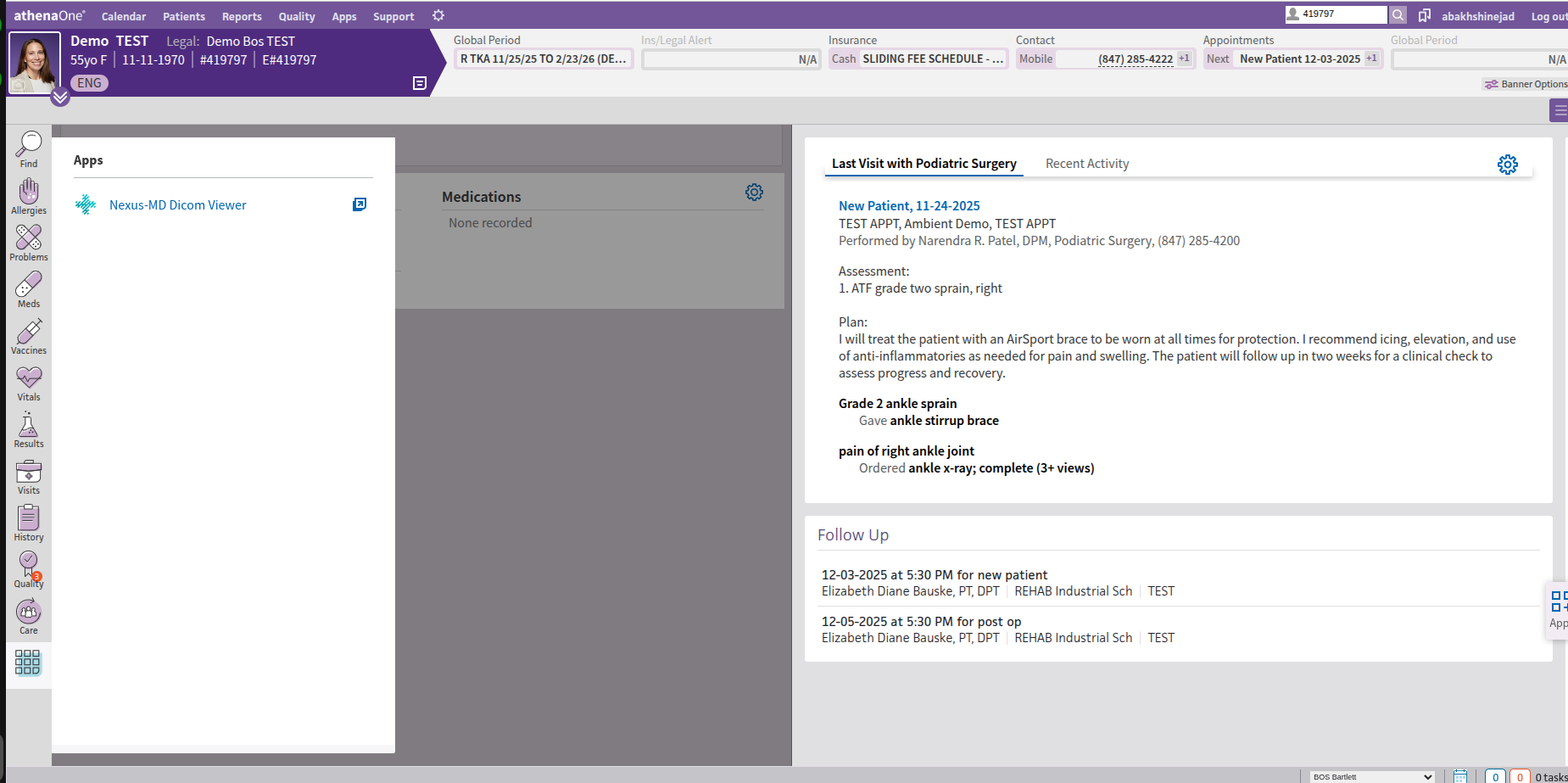
- From menu on the left bar select Apps
- Click on Nexus-Md DICOM Viewer
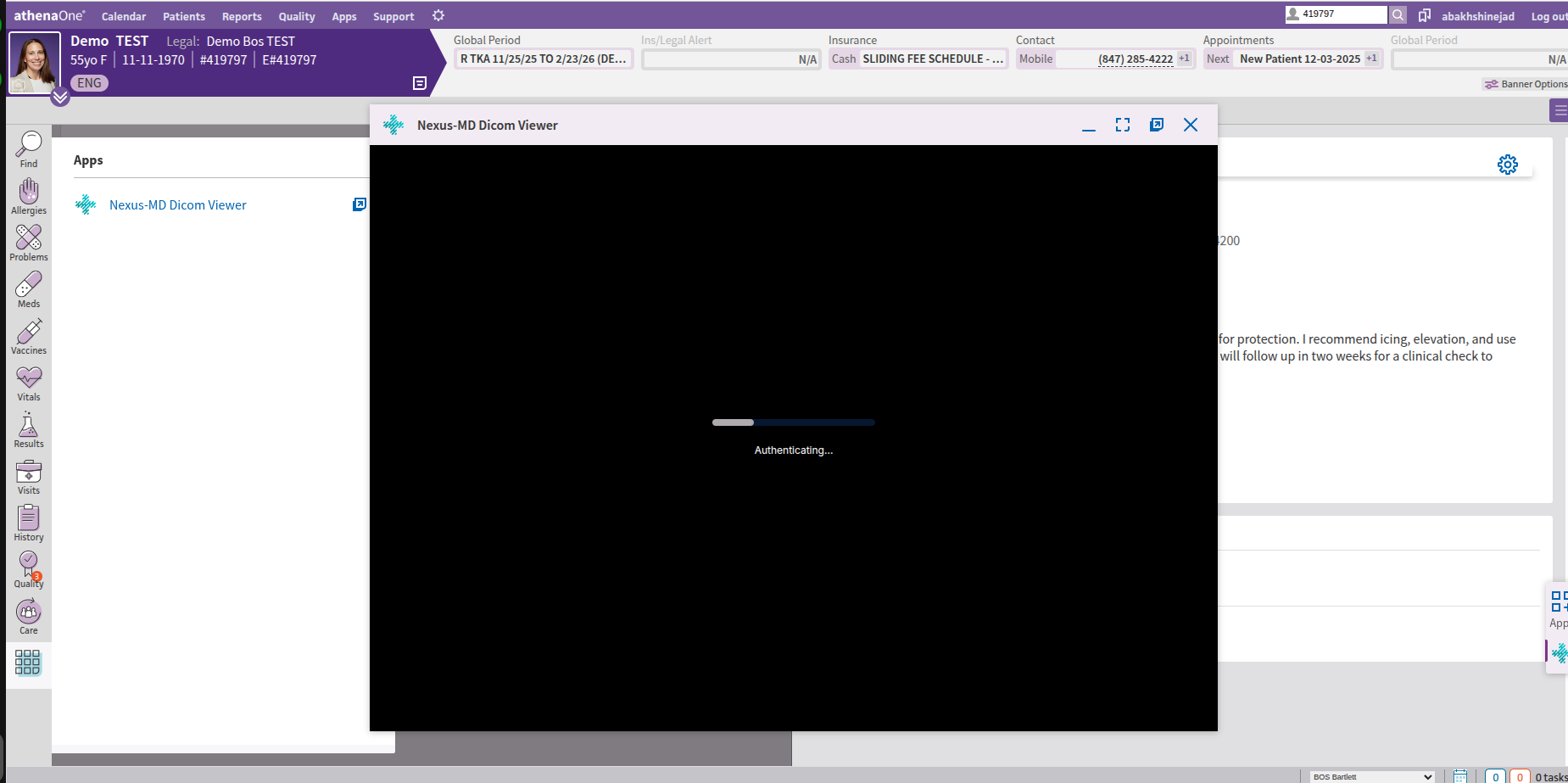
- At this step, we will automatically log you into Nexus-MD Cloud PACs and search for the patient based on Athena Patient MRN in this example 419797
- If we find matching MRN in Nexus-Md database, you will see the patient listed in the worklist
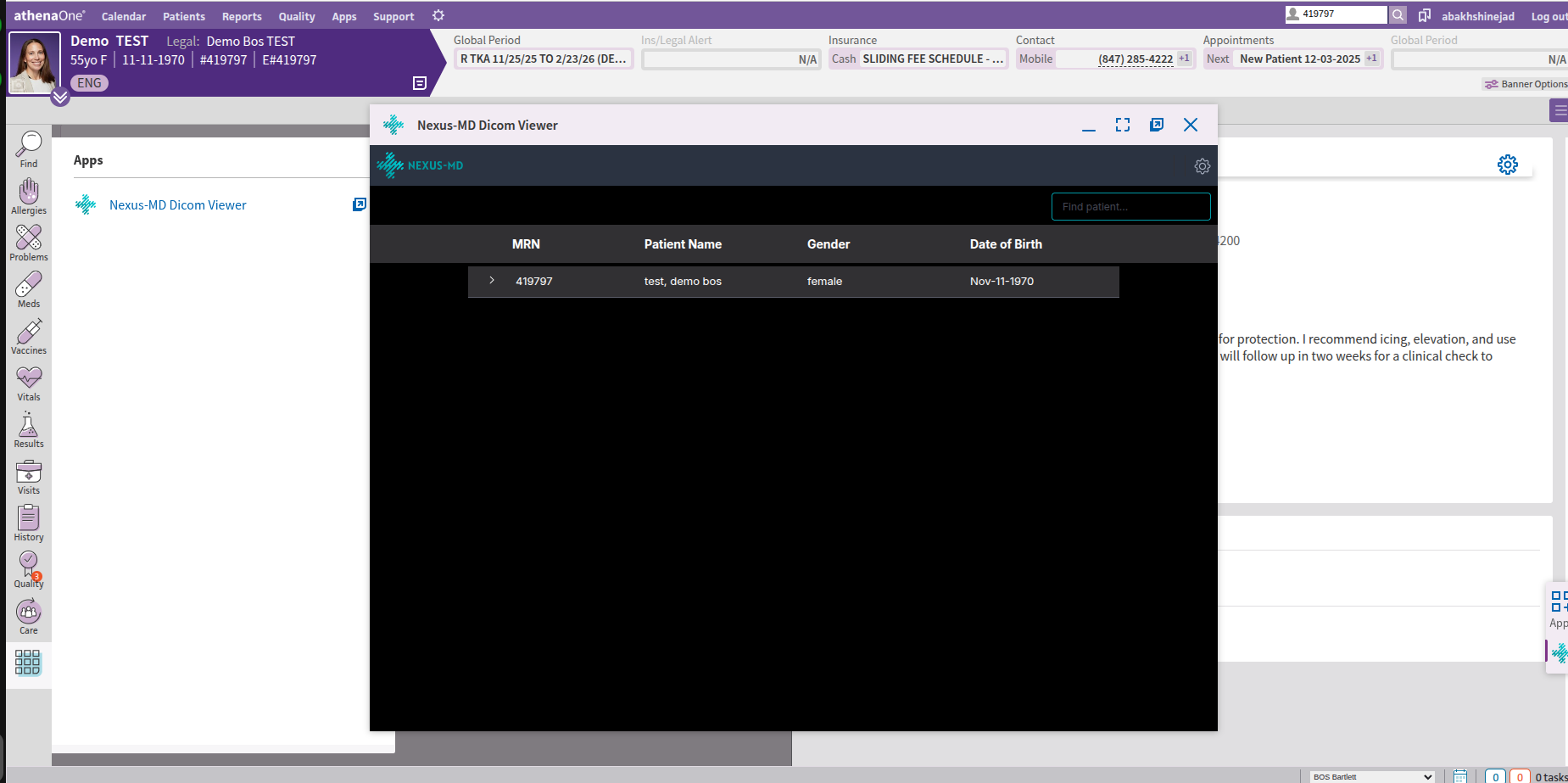
- However, if the patient MRN is not matching with Nexus-MD database, you have the option to search for the patient by patient name from Find Patient box on top right text box in the Nexus-MD DICOM Viewer window
- Once patient was found, you can click on it to expand list of images available for that patient in the Nexus-MD DICOM Viewer Database
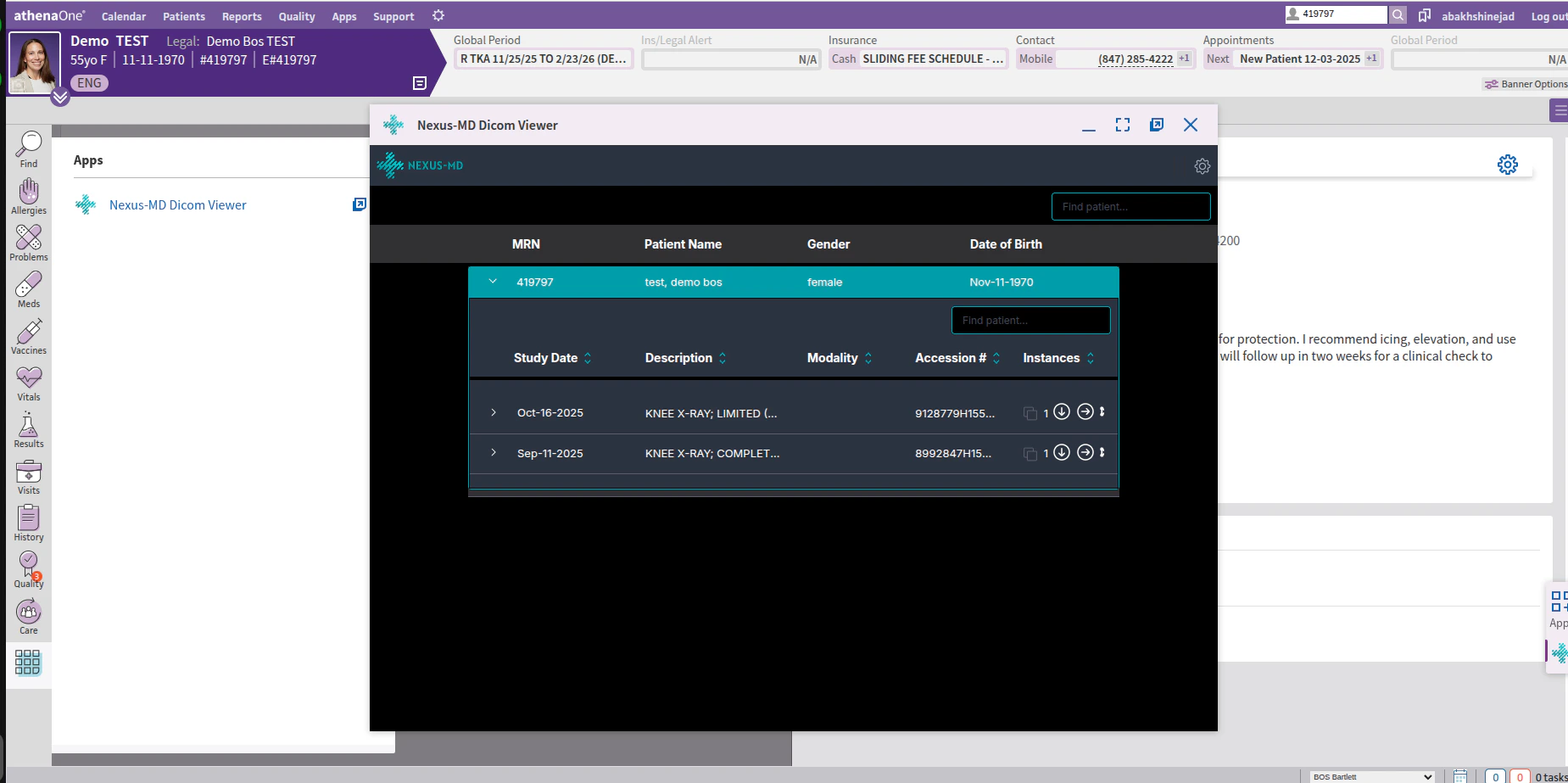
- Once you found the study you are interested in, you need to click on it and expand it
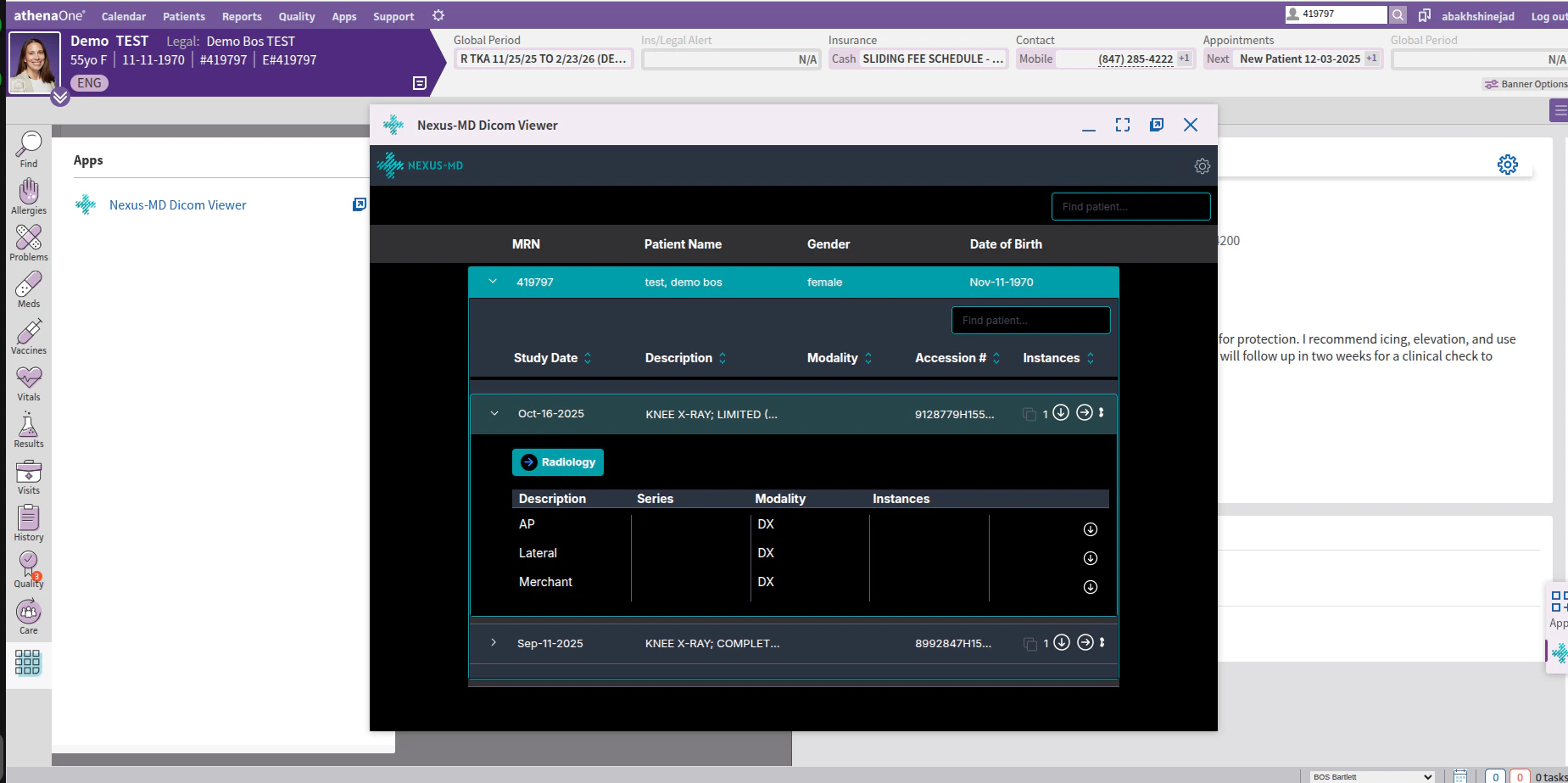
- From here, you can click on the Radiology button to open the Viewer and review the images